


Outlined vector or layered source where available.
Production artwork blueprint
Artwork File Requirements for Patches & Transfers
artwork file requirements buyers need a controlled, practical decision process. A useful artwork package contains the editable master, a visual reference, true dimensions, colour names, process-specific layers and an unmistakable revision number.
Artwork package
Send design intent and manufacturing instructions together
A stable visual reference for approval.
Finished width, height and measurement unit.
Garment location, orientation and scale.
File format guide
Choose the file by how it will be used
| AI, EPS or SVG | Editable paths, colour regions and scalable geometry |
|---|---|
| Approval view with fonts and dimensions preserved | |
| PSD or TIFF | Layered raster art when print detail is required |
| PNG or JPEG | Visual reference; resolution must suit final size |
Vector and raster
Keep logos editable and images sufficiently resolved
Outline type, clean overlaps and remove hidden objects.
Supply at final dimensions with adequate pixels.
Name spot colours and separate special layers.
Write the finished size on the file.
Manufacturing references
Connect artwork requirements to construction
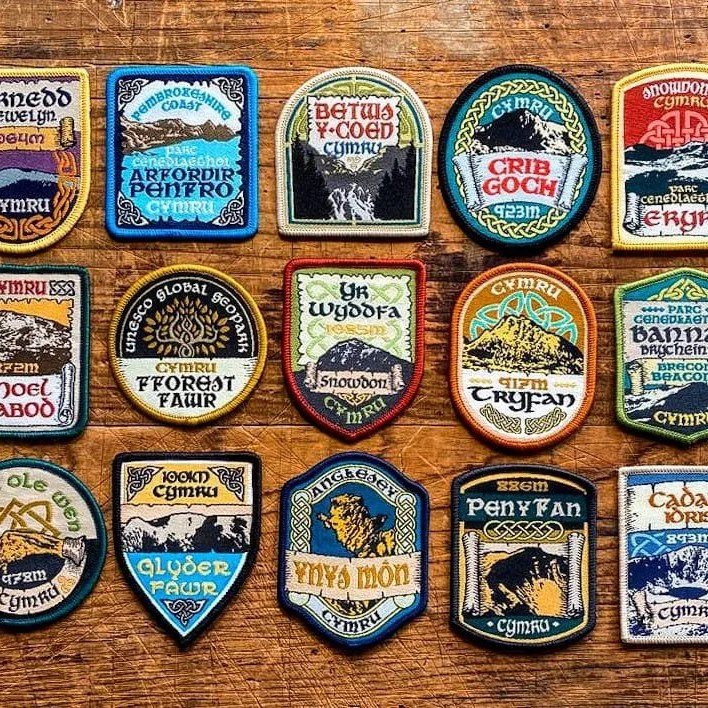
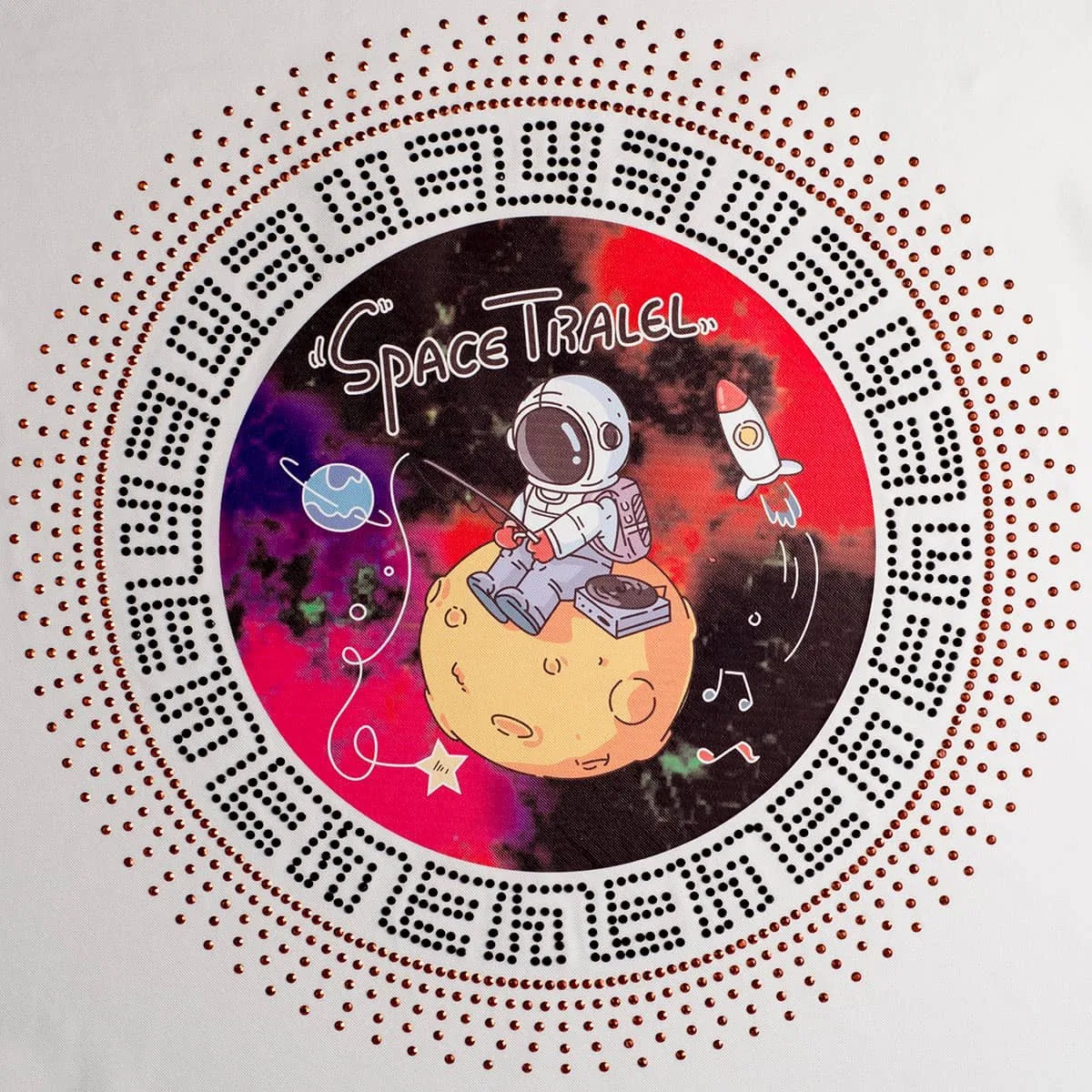
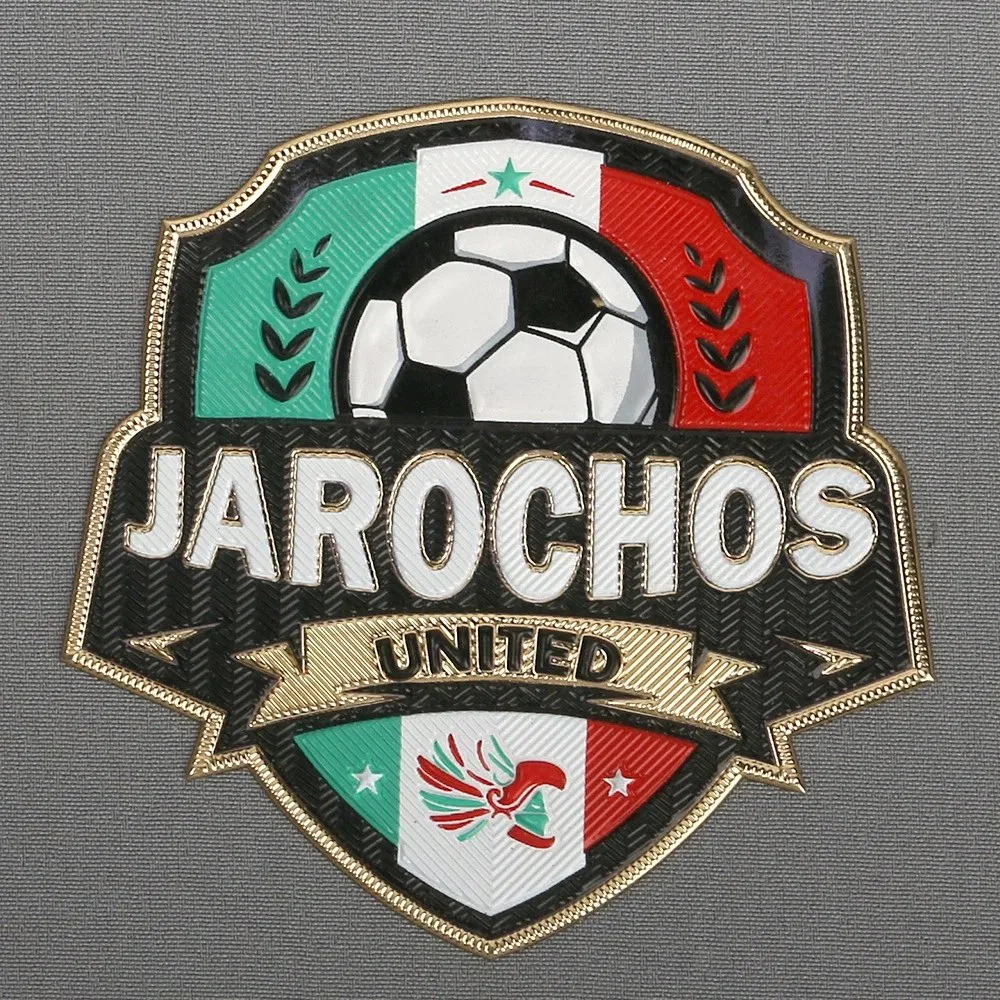
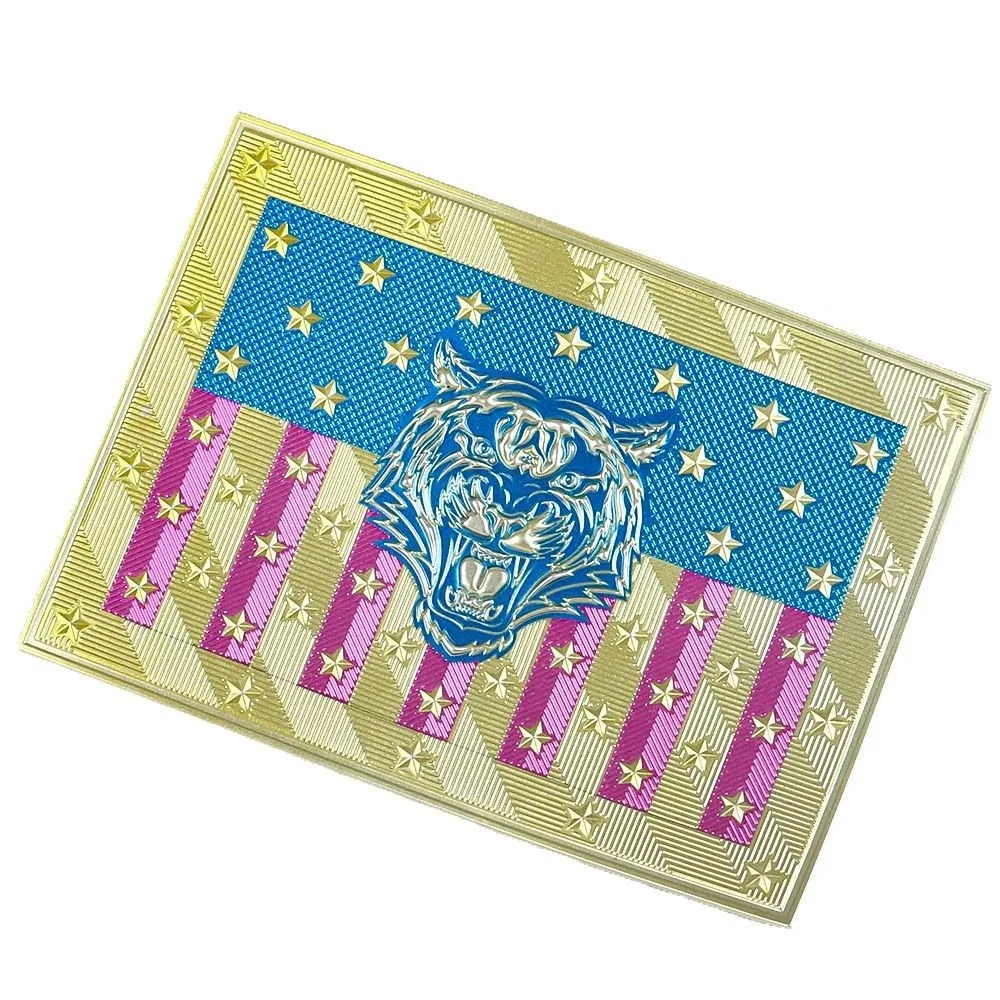
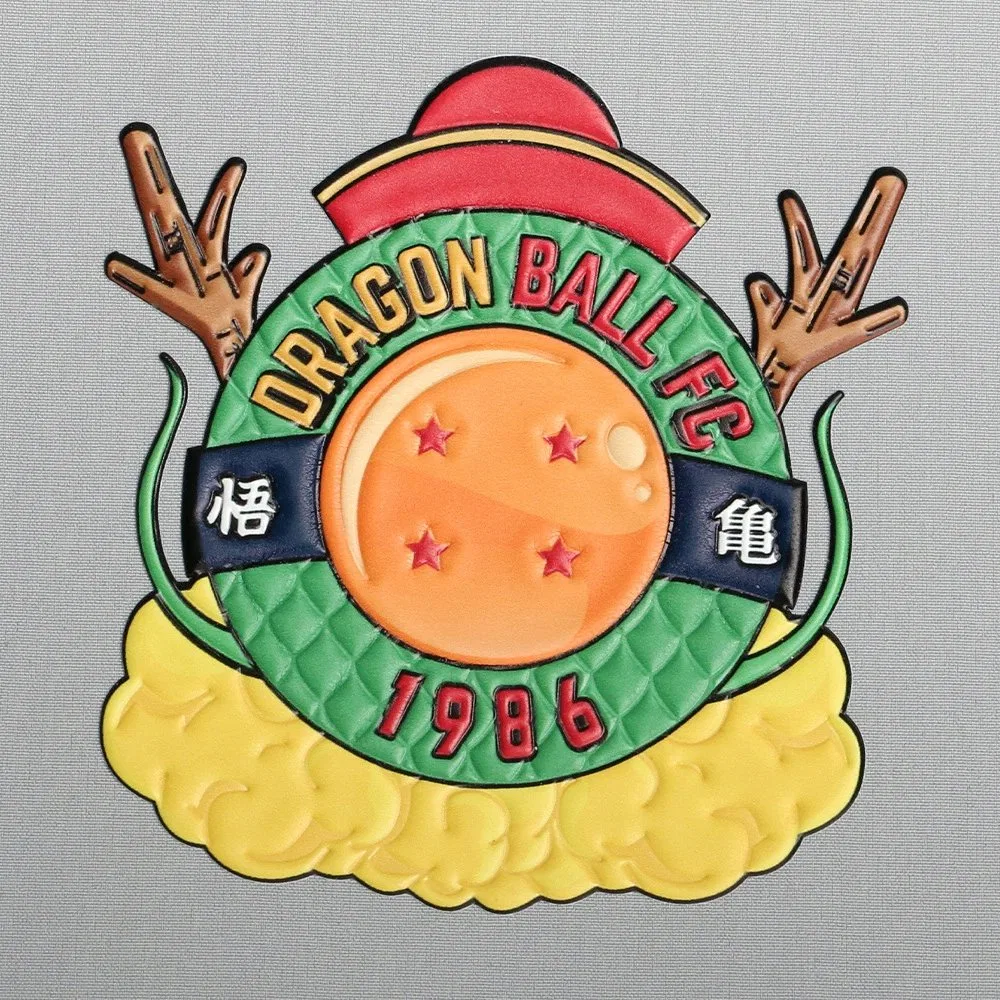
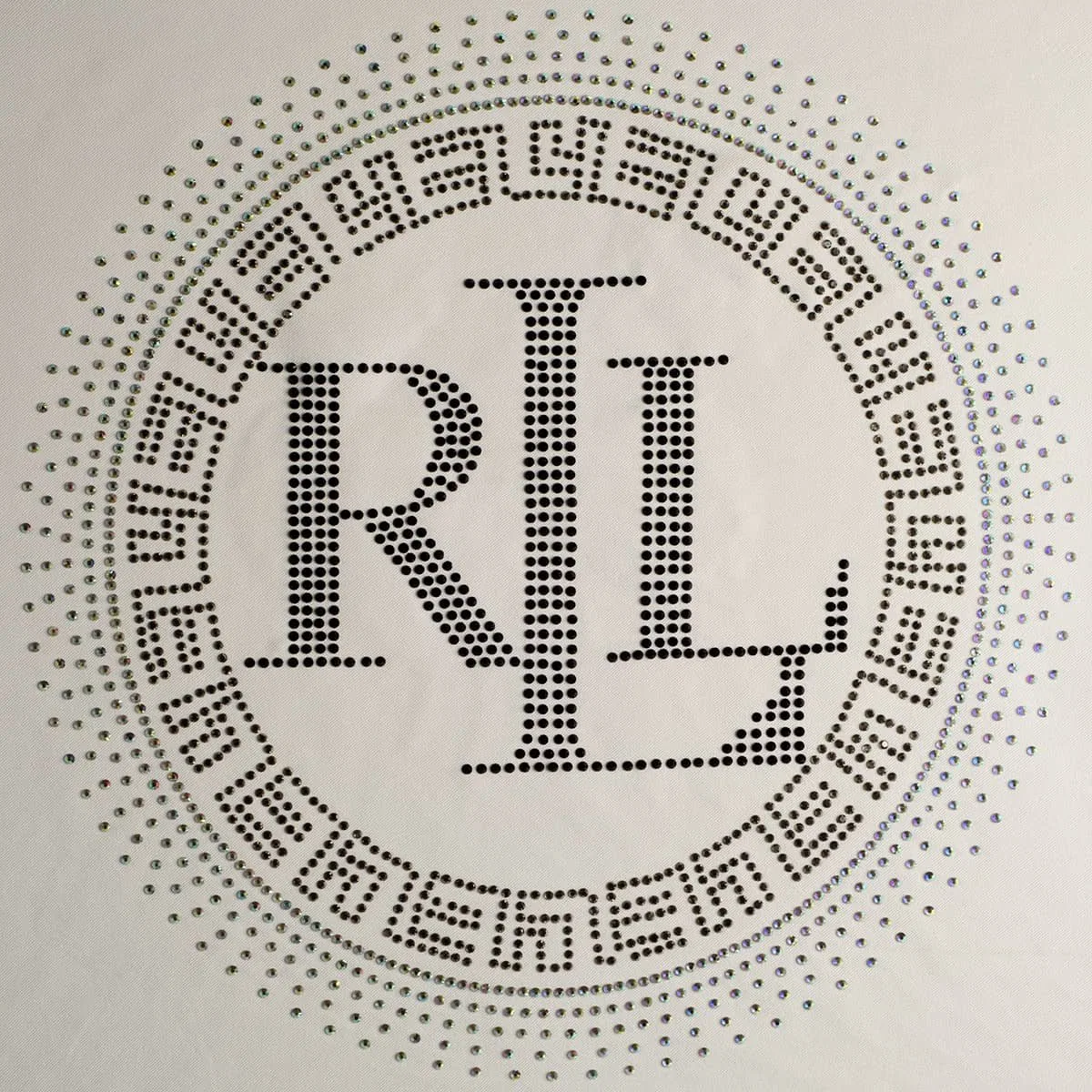
Minimum-detail review
Let the process define the smallest feature
Stitch direction, column width, fill and border.
Stone centre, size, gap and carrier margin.
Relief height, gap, counter and colour wall.
Resolution, white layer, transparency and cut edge.
Revision control
Prevent an old file from reaching production
Project, item, colourway and revision.
Date and approval status on preview.
Keep superseded files read-only.
Send one signed production package.
Production layers
Separate visible art from process instructions
Named production colour regions.
Underbase and backing logic.
Height, direction and construction notes.
Finished edge and handling boundary.
Current product records
Related catalogue products for this buying decision
Custom Embroidered Fabric Patches for Apparel and Bags
High-quality Embroidery Thread · MOQ 100
View product →Rhinestone and Printed Heat Transfer
Rhinestone DMC · MOQ 50
View product →Custom 3D TPU Rubber Logo Patches and Badges
TPU · MOQ 100
View product →Custom TPU Heat Transfer Labels for Clothing
TPU and Fabric · MOQ 100
View product →Custom 3D Silicone Heat Transfer Logo Patches
Silicone · MOQ 100
View product →1.2 mm SS1 Czech Rhinestone Heat Transfer
Rhinestone Czech · MOQ 50
View product →What is the best vector file for patches?
AI, EPS, SVG or editable PDF can work when paths are clean, type is outlined and finished dimensions are stated.
Can I send a PNG logo?
A clear PNG may support review, but production may require a vector or higher-resolution source depending on the process.
What resolution does printed artwork need?
Resolution must be evaluated at final size. Supply the highest-quality layered source and avoid enlarging a small web image.
Should fonts be outlined?
Yes for production copies, while keeping an editable master internally.
How are rhinestone files prepared?
Use stone centres with a legend for size, colour, count and orientation.
What prevents artwork delays?
Finished size, colours, construction, backing, placement, revision and an approval preview.
Prepare a production-ready artwork package
Send the highest-quality source, finished size, colours, construction, placement and revision.